On location
In KaveLight
 KaveLight
KaveLight is a previz tool for directors, DPs, and gaffers. Build the set, experiment with lighting setups, and find your frames.
© 2026 Kavelight LLC
You're in.
Check your email for a quick demo and some more info.
Download for MacSign in with the email you just gave us.
A lot of things, but our favorites: a UI that is intuitive and easy to use. Polycam support, so a location you scanned this morning is a set you can light tonight. And an engine built for light accuracy first, with a deep library of true fixtures carrying their real values: output, beam spread, color temperature.
KaveLight is a previsualization app built for filmmakers. Build or import your set, place the lights you would actually rent, frame the shot, and watch a physically grounded render come together as you work.
KaveLight is for directors, DPs, gaffers, and anyone involved in planning lighting, blocking, and framing before a shoot.
KaveLight runs on Apple Silicon Macs, M1 or newer, with macOS 15 or later. We do not currently have plans for a Windows version.
The beta is open, so there is no waiting. Sign up and you get an email straight away with the download link. Sign in with the same address you signed up with and you are in. It is free.
KaveLight is free during the beta. After launch, it will be available as a subscription.
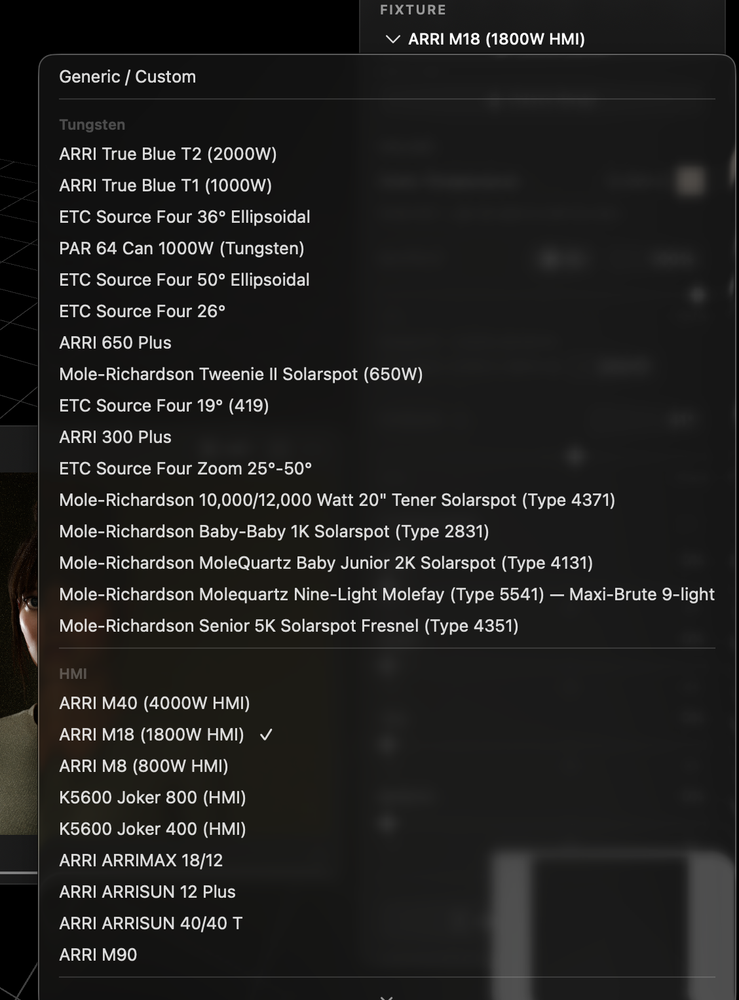
KaveLight includes a growing library of real production fixtures with real-world parameters like output, beam angle, and color temperature in Kelvin. The Camera Monitor uses path tracing, so bounce, spill, falloff, and shadow behavior respond more like real light.
Yep! Drag and drop USDZ, FBX, OBJ, glTF, or Collada files straight into the viewport. Polycam and RoomPlan scans of real locations come in too, and KaveLight can rebuild a scan into a clean, relightable set. And if your production designer works in SketchUp, a quick Collada export drops right in.
In Polycam, export the scan as Floor Plan and choose USDZ. Then drag that file straight onto the KaveLight canvas. That is it.
The Floor Plan export is the one that matters. It tags every element it detected, so the room arrives as real walls, floors, doors and windows you can select, move and light individually. Export the raw mesh instead and you get one frozen lump of geometry: fine as a backdrop, but you cannot open a door or re-texture a wall.
Yep! Once you are signed in, KaveLight can keep working offline for up to two weeks at a time.
Use the Feedback menu inside the app.
Open beta
Here's what it looks like.
macOS 15+ · Apple silicon · sign-in takes a free account
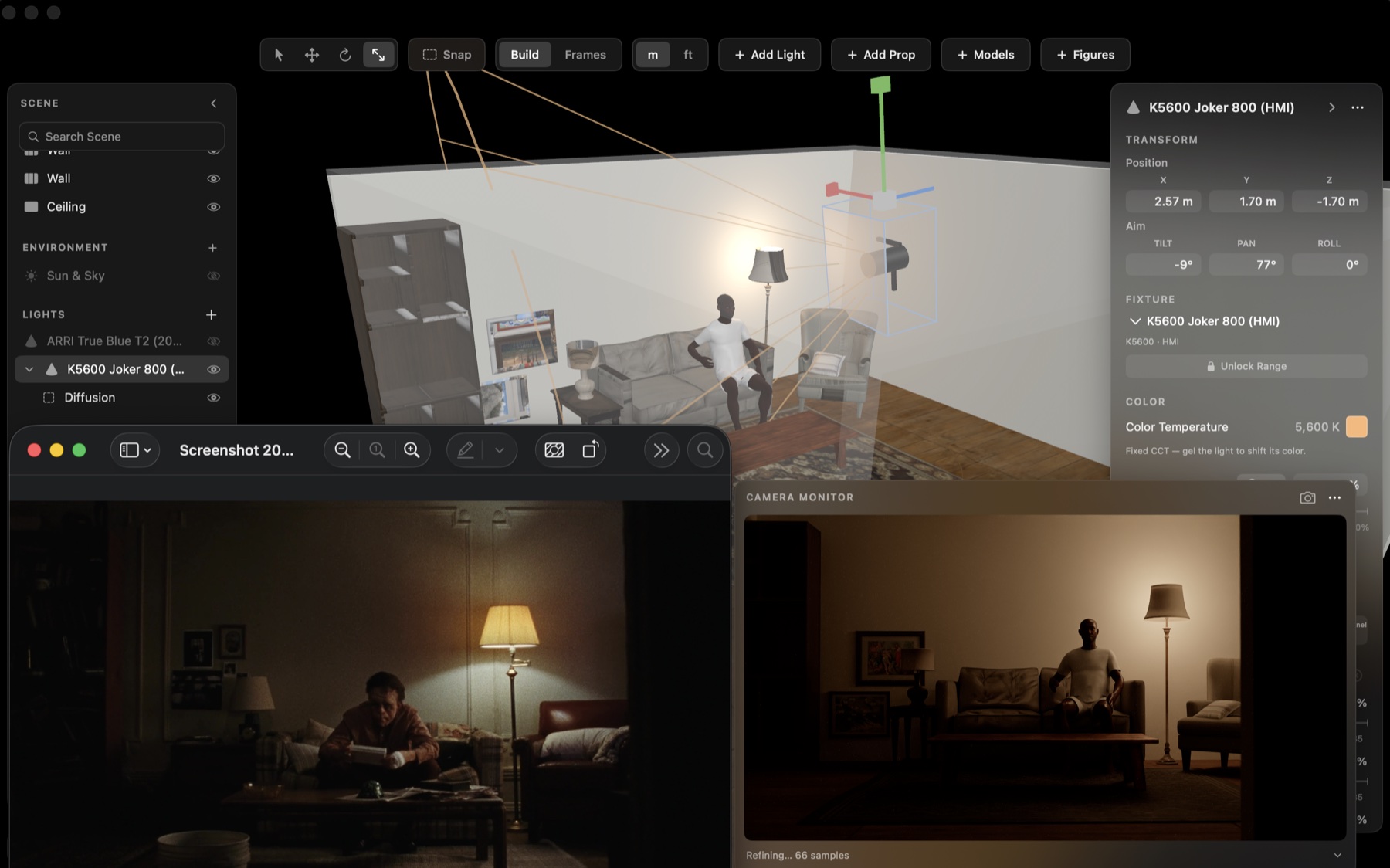
Plan at your desk.
Arrive ready.
Everything in the kit
Camera
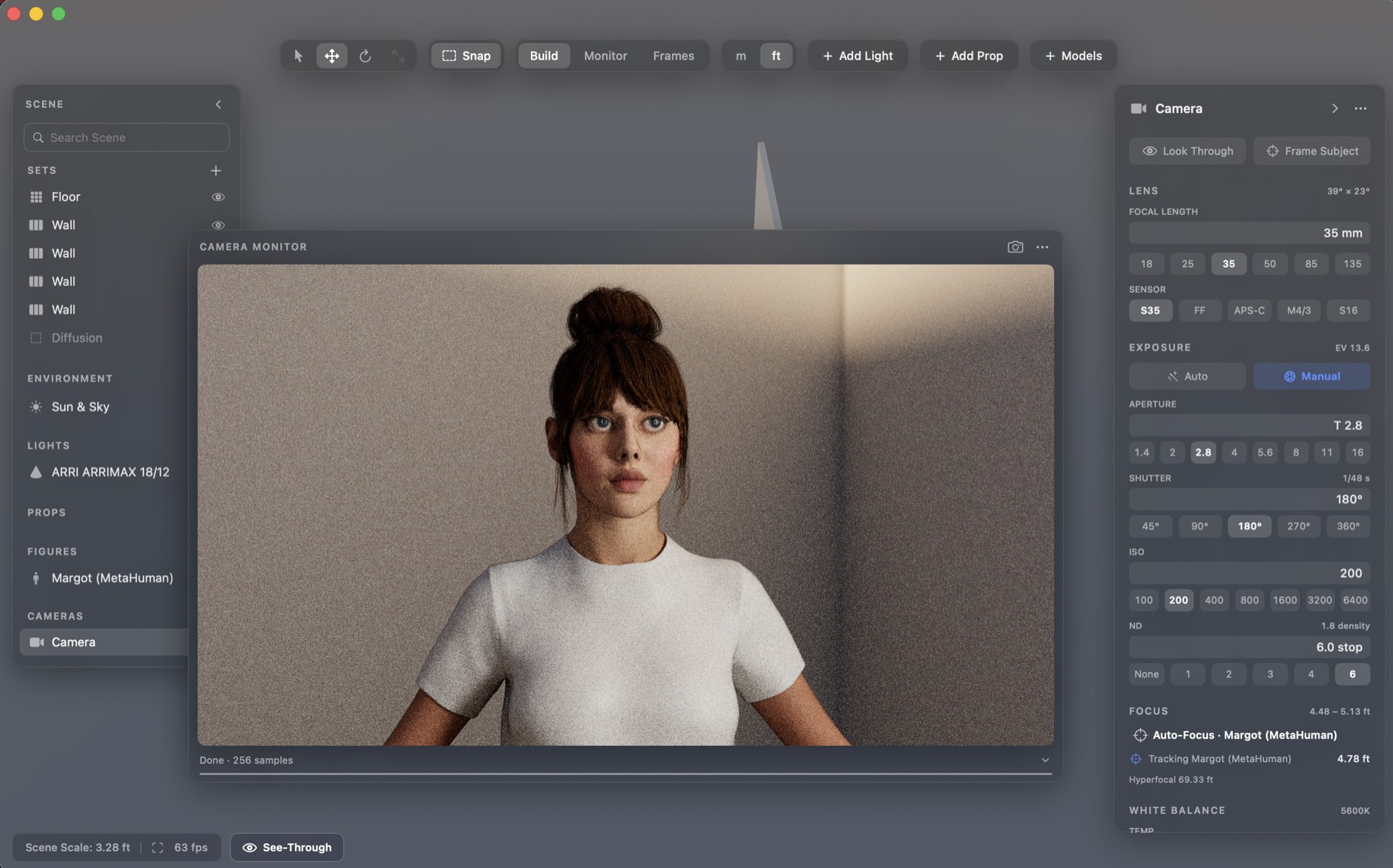
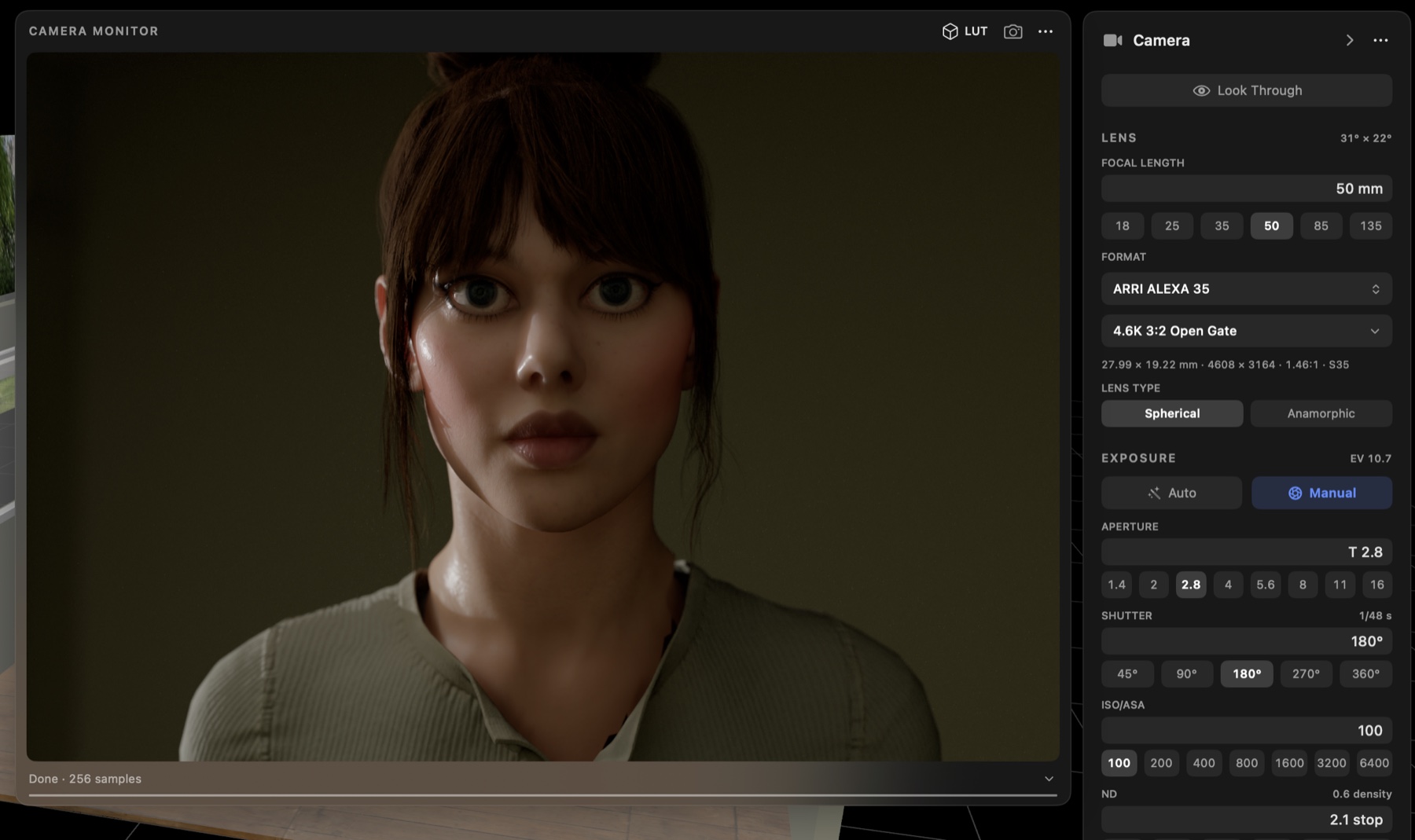
Choose your sensor, lens, T-stop, shutter angle, ISO, ND, and white balance.
36 cameras and 279 recording formats, gate-exact, so the lens sees the true field of view. Stack frame guides for the delivery aspect.
Preview depth of field, rack focus, and subject tracking before you get to set.
The Camera Monitor uses path-traced rendering with denoising, so bounce, spill, falloff, and soft shadows respond more like real light.
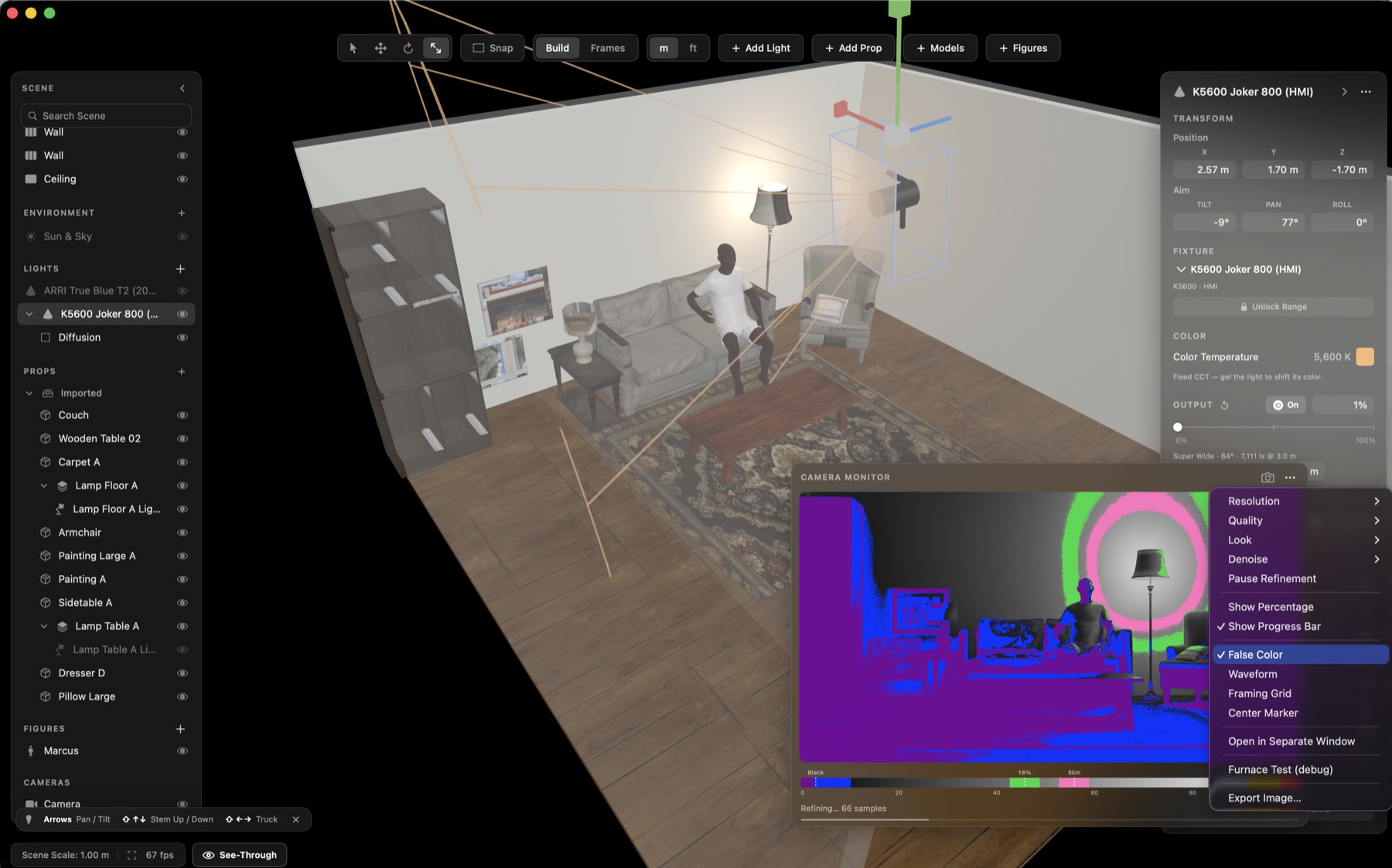
Check exposure and contrast the way you would on a real monitor.
Save frames as you work, refine them later, and export stills with the full camera recipe attached: lens, stop, ISO, ND, focus, and more.
Light
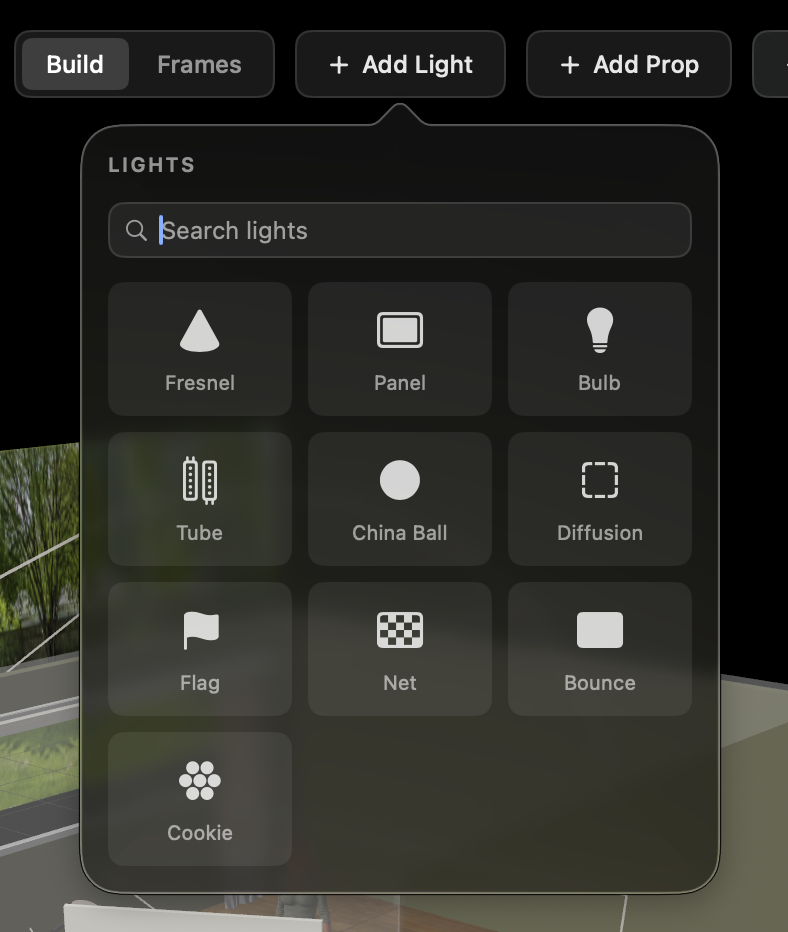
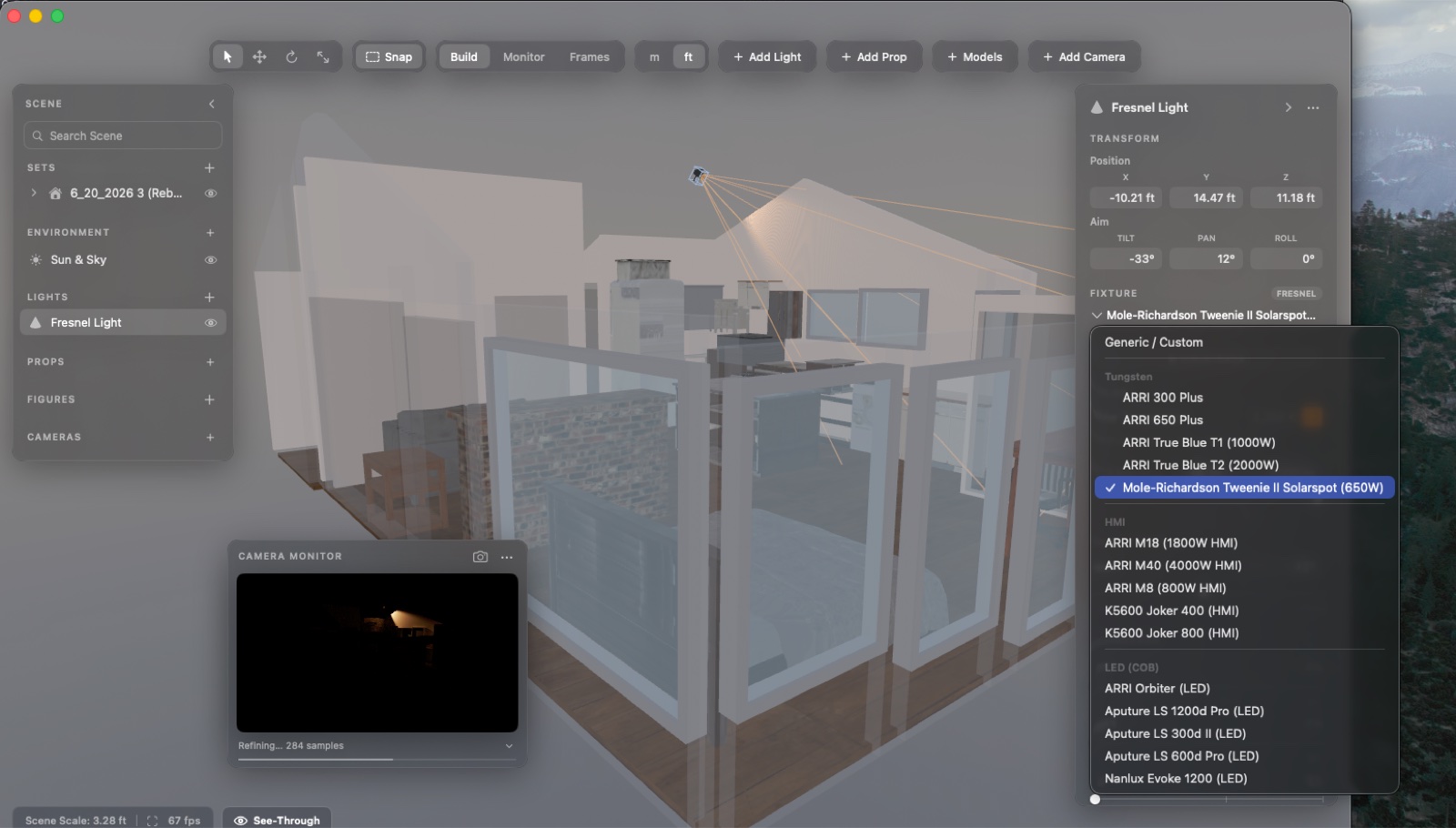
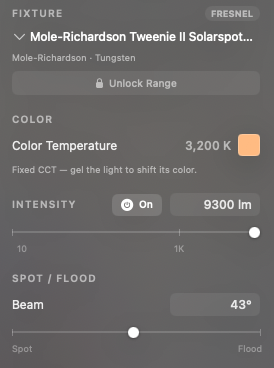
Work with a growing library of real production fixtures from brands like ARRI, Aputure, Mole-Richardson, K5600, and Nanlux, built around real-world photometric data.
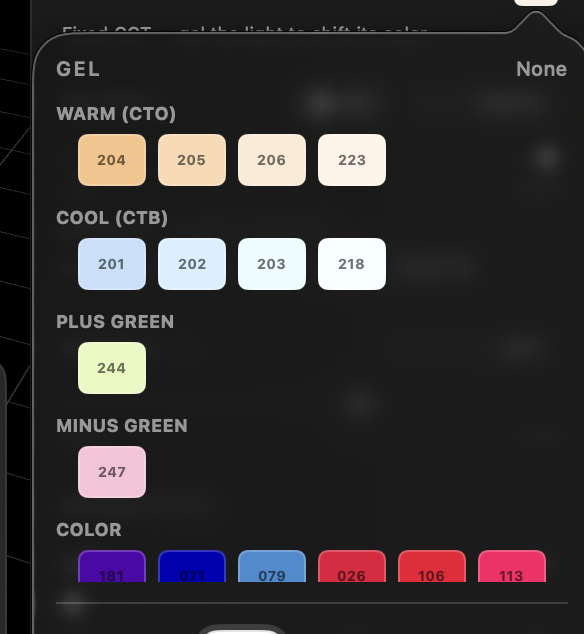
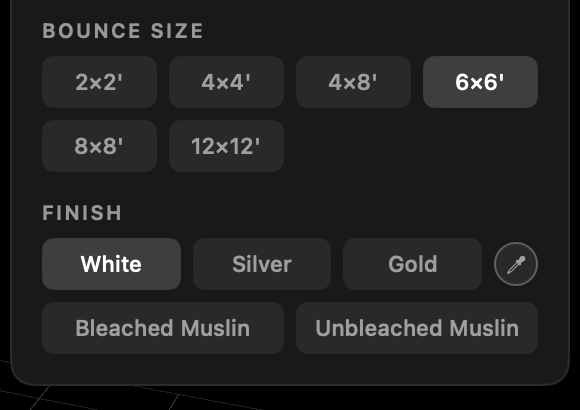
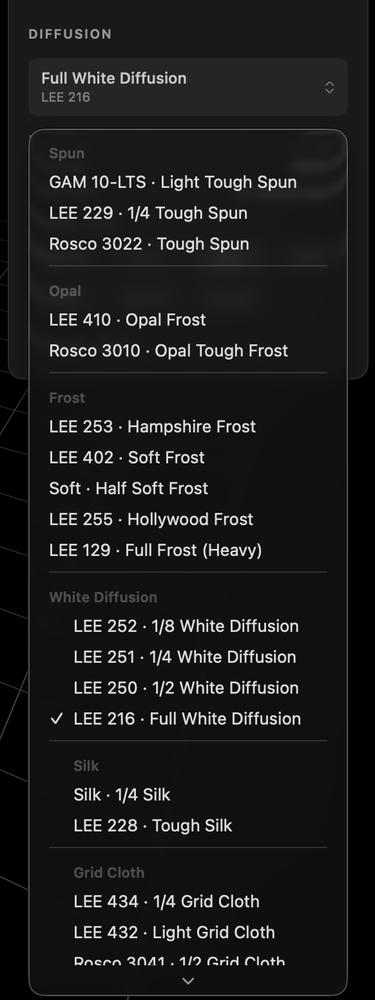
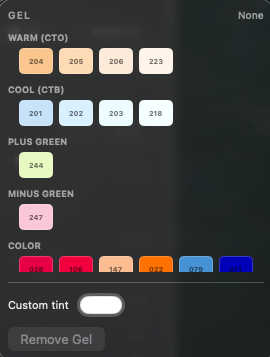
Add barndoors, softboxes, diffusion, nets, flags, bounce, and gels. Build the setup the way you would actually light it.
Set time, date, and location to preview real sun angles, from golden hour to dusk to overcast daylight.
Use lamps, shades, emissive surfaces, and backlit backgrounds that actually contribute to the scene.
Check lux or foot-candles anywhere on the set.
World
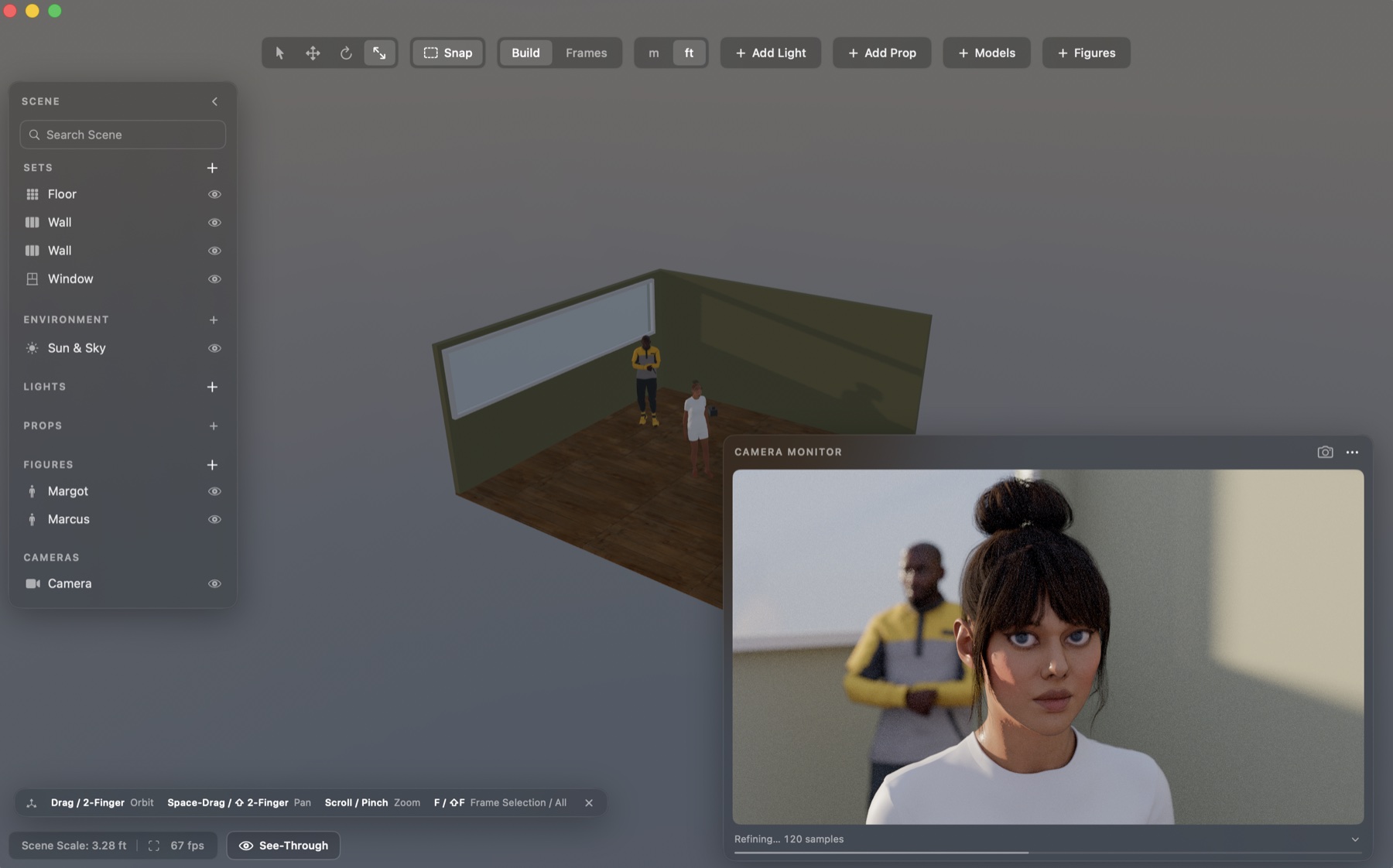
Build quickly with parametric walls, floors, doors, windows, roofs, and archways. Rough in the space without fighting a modeling app.
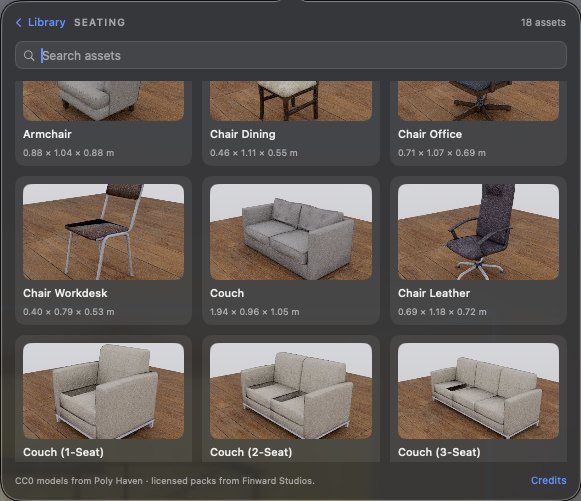
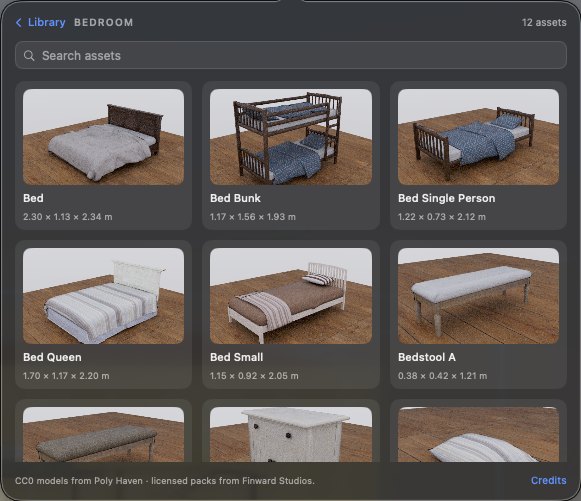
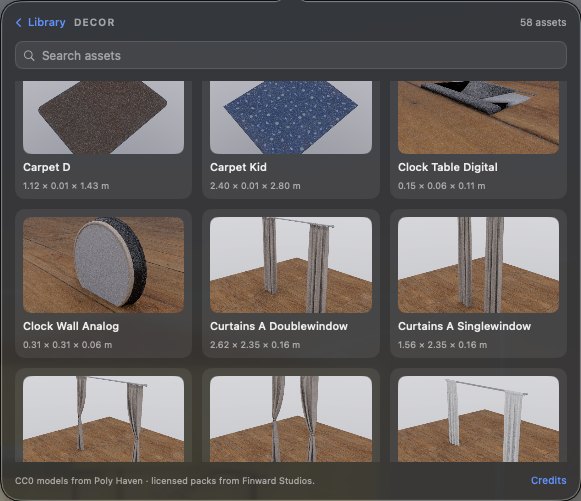
Dress the scene with furniture, practicals, set pieces, and exterior props built at real-world scale.
Import USDZ, FBX, OBJ, glTF, or Collada files. RoomPlan and LiDAR scans can be rebuilt into clean, relightable spaces.
Cast
Pose talent, adjust wardrobe, change colors, set eyelines, and see how people sit inside the light.
Use everyday poses like standing, seated, leaning, walking, phone in hand, and more.
Workflow
A 60fps viewport on Apple Silicon. Everything renders on your machine. No cloud, no render farm.
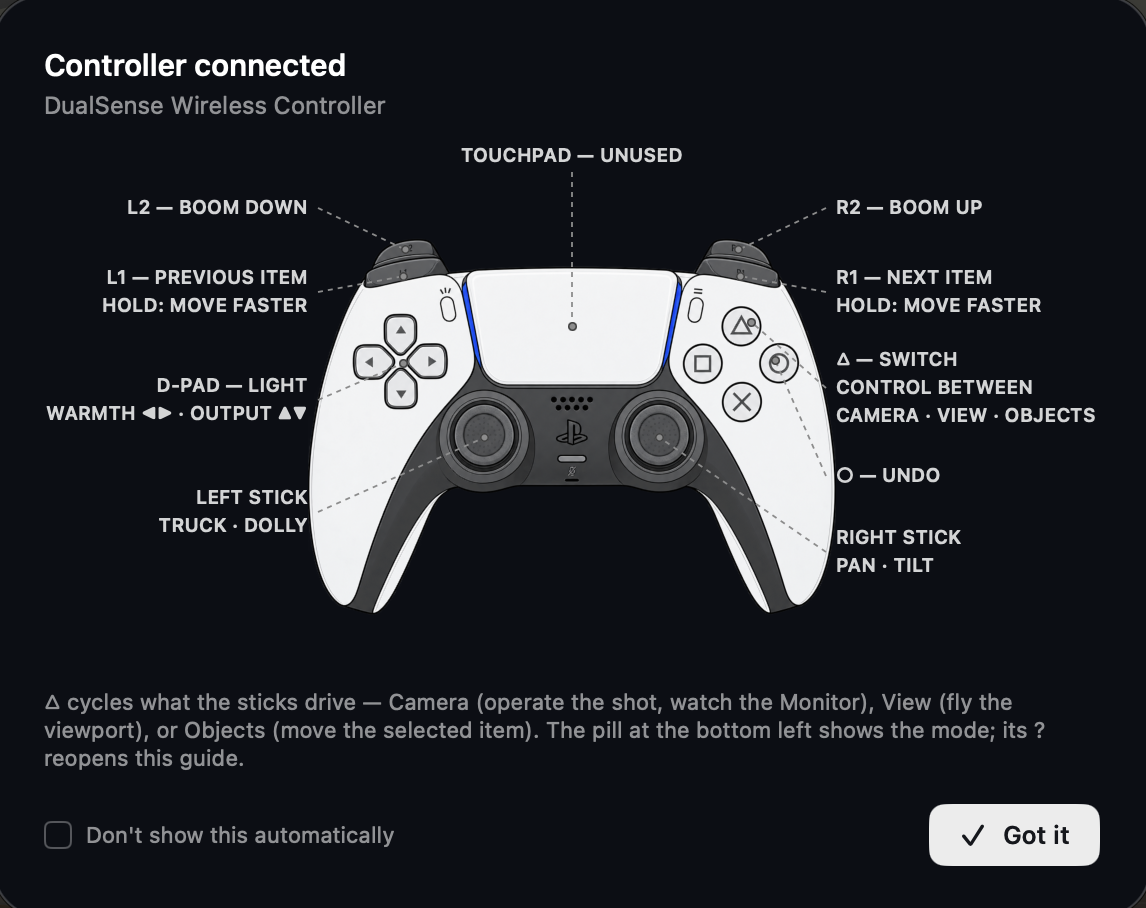
Plug in a PlayStation or Xbox pad to fly the camera, operate the shot, and move lights and props. Every move is undoable.
Offline for up to two weeks at a time, and every action is undoable.
The beta is open.
Sign up and it is yours.
Free while in beta. Signing in takes a free account.
Need help or have some feedback?
Message sent.
We will reply to the address you gave us.